
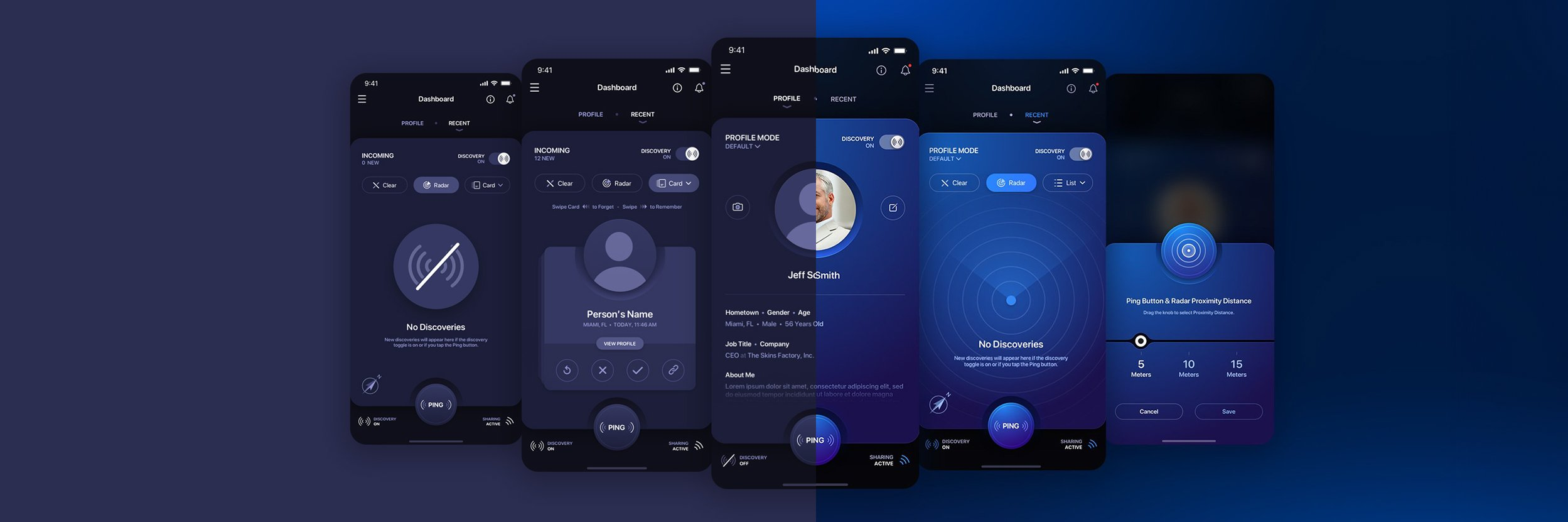

In today’s fast-paced digital world, where attention spans are shorter than ever, simplicity reigns supreme. Minimalist UI/UX design has emerged as a powerful approach to engage users, delivering a clear and seamless experience that cuts through the clutter. But what exactly does “minimalism” mean in design, and how can it transform chaos into clarity? Let’s dive in.
Content Table
| S.no. | Content |
| 1 | The Essence of Minimalism |
| 2 | Why Minimalism Works |
| 3 | Key Principles of Minimalist UI/UX Design |
| 4 | Real-World Examples |
| 5 | Tips for Adopting Minimalist Design |
| 6 | The Impact of Minimalist Design |
The Essence of Minimalism
Minimalist design isn’t about stripping away functionality or creating bland interfaces. Instead, it’s a deliberate approach to prioritize the essentials while eliminating distractions. This philosophy focuses on clarity, functionality, and aesthetics to create a harmonious user experience. The mantra is simple: less is more.
Think of minimalism as a clean canvas where every element has a purpose. Whether it’s a button, a navigation bar, or a piece of text, each component should contribute to the user’s journey without overwhelming them.
Why Minimalism Works
- Improved Focus: A clutter-free interface allows users to focus on what truly matters. By eliminating unnecessary elements, you guide users to the core actions and information they seek.
- Enhanced Usability: Simplicity reduces cognitive load. A minimalist design ensures that users can navigate effortlessly, making interactions intuitive and enjoyable.
- Faster Loading Times: Less clutter often means fewer resources. Streamlined designs load faster, improving user satisfaction and retention.
- Timeless Appeal: Trends come and go, but minimalism’s clean and elegant aesthetic remains timeless, ensuring your design stays relevant.
Key Principles of Minimalist UI/UX Design
- Whitespace is Your Friend: Also known as negative space, whitespace is crucial for balancing elements on the screen. It provides breathing room, helping users process information more easily.
- Focus on Typography: Clean, readable fonts are essential in minimalist design. Use size, weight, and spacing strategically to emphasize hierarchy and improve readability.
- Limit Color Palettes: A restrained color palette creates a cohesive and visually pleasing experience. Use colors to guide attention and evoke emotions subtly.
- Streamline Navigation: Keep navigation simple and intuitive. A minimalistic menu or clear call-to-action buttons can significantly enhance usability.
- Emphasize Functionality: Prioritize functionality over ornamentation. Every design element should have a purpose, serving the user’s needs effectively.
Real-World Examples
- Google: The search giant epitomizes minimalism. Its homepage is iconic for its simplicity, featuring just a search bar and a few essential links.
- Apple: Apple’s product interfaces and website designs are masterclasses in minimalism, blending functionality with elegance.
- Airbnb: With clean layouts, ample whitespace, and intuitive navigation, Airbnb ensures users can find and book accommodations effortlessly.
Tips for Adopting Minimalist Design
- Conduct User Research: Understand your audience’s needs and behaviors to identify which elements are essential and which can be eliminated.
- Iterate and Test: Minimalism isn’t achieved in one go. Continuously test your designs to ensure they meet user expectations.
- Avoid Over-Minimizing: Stripping away too much can leave users confused. Strike a balance between simplicity and functionality.
The Impact of Minimalist Design
When done right, minimalist UI/UX design fosters better engagement, improves user satisfaction, and drives conversions. It transforms chaos into clarity, providing users with a seamless and delightful experience.
So, the next time you’re designing an interface, ask yourself: “Is this element necessary? Does it add value to the user experience?” Embracing minimalism isn’t just a design choice; it’s a commitment to clarity, efficiency, and purpose.